seal.ID Testing

Differences between the sandbox and the productive environment

Between the sandbox and the productive environment there are some differences in the way cases behave. Specifically these differences are:

  • It's possible to automate case handling with testbots on the sandbox. On the productive environment, this feature is not available

  • There are no agents verifying cases in the sandbox environment

    • Cases that are performed without testbots will get stuck at "VERIFICATION_PENDING" because of this

    • The exception is, if dedicated testslots are scheduled during which agents activeley check verification requests in the sandbox

⚠️ Possible issues during testing

During tesing, it can happen that a case doesn't behave as expected. There is a possibility that this is caused by the sandbox performance which does not 100% correlate to the production environment. The following behaviours are known with the explanation and possible solution added:

Issue
Explanation
Solution

At the start of the identification, only a white screen is being displayed

  • The m_IDeal application on the sandbox is not available

  • Intrum cannot be called to start the identification process

Check https://status-sandbox.mideal.io/arrow-up-right if there are any downtimes/issues reported. If not, check with the m_IDeal team to have the case analyzed in detail

During identification, this error is repeatedley being displayed:

  • Due to performance limitations, the selfie-check fails in a few cases

  • Retrying the selfie process ends up in the same screen for 3-4 times

There are two options to resolve this issue:

  • Retry the selfie-step a couple of times until it suceeeds

  • Restart the case by refreshing the screen

The identification case gets "stuck" at the following screen:
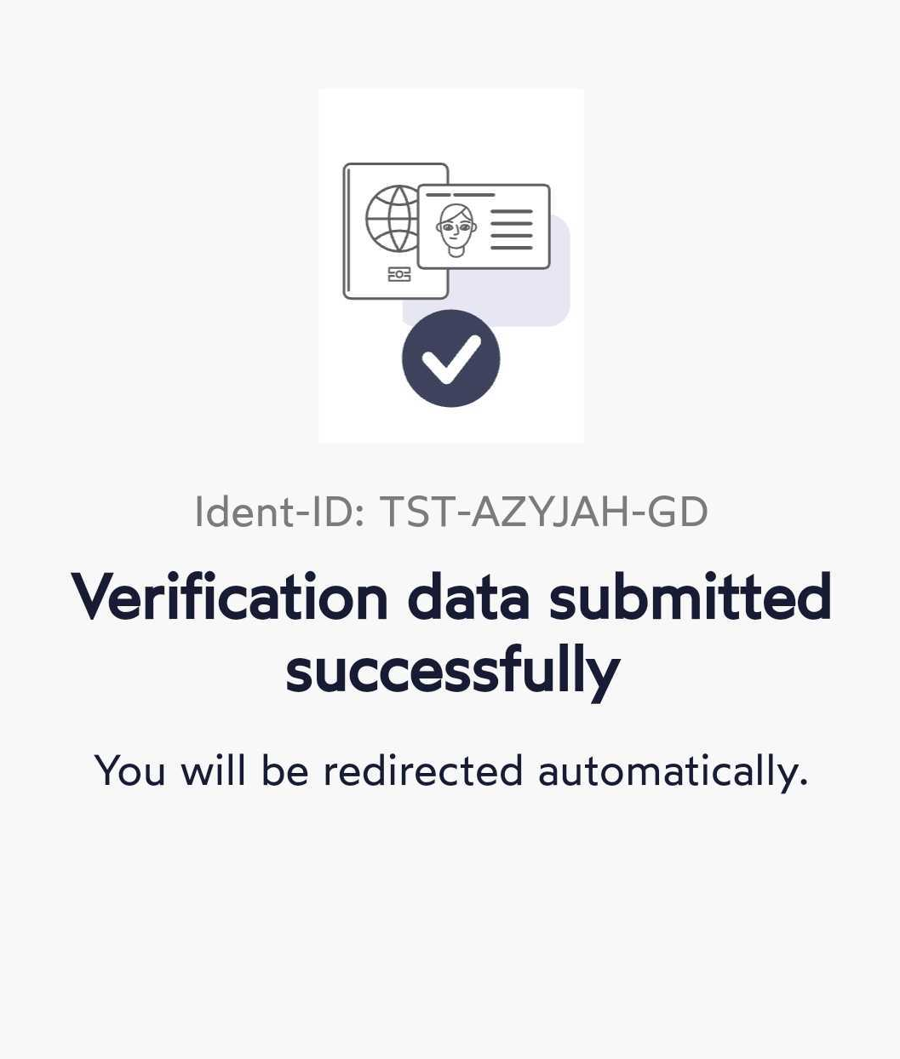
There was no update from Intrum to m_IDeal in regards to the case status. This causes the case to get stuck at the status "INITIALIZED"

The case cannot be used anymore and a new one needs to be generated.

During signing, this screen is being displayed:
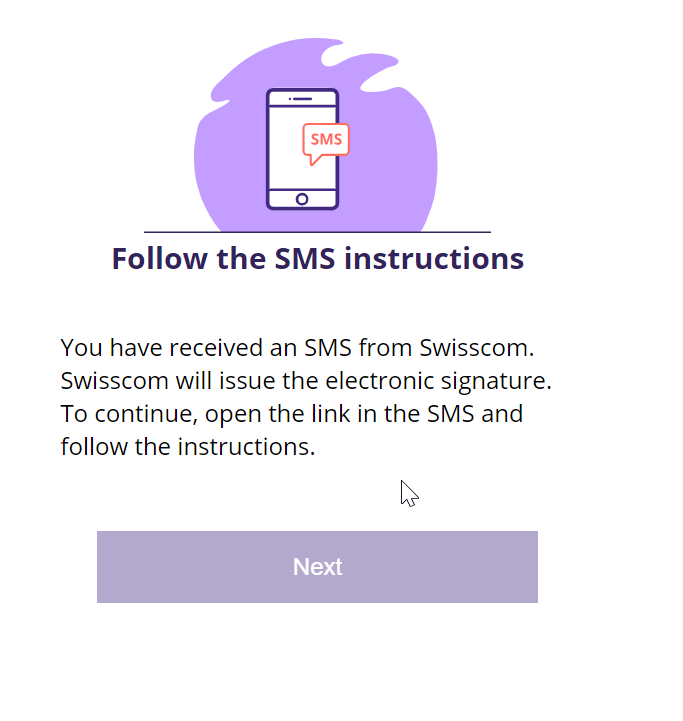
This screen should not appear under normal circumstances as it indicates that Swisscom has issues locating the evidence related to this case.

There are two main possibilities for this screen to appear

  • There is a misconfiguration on Tenant/Profile level

  • The evidence was not properly received by Swisscom